
Almost everyone has been there. You get into bed, pick up your phone for “just a few minutes,” and somehow forty-five minutes disappear into short videos, messages, and news headlines. Then comes the tired-but-wired feeling: your body is exhausted, but your mind is buzzing, and sleep has slipped further away. If that sounds familiar, you are far from alone — and it does not mean you lack discipline.
Difficulty falling asleep is one of the most common sleep complaints, and evening screen use is only one piece of the puzzle. Stress, irregular schedules, caffeine, noise, and health conditions all play their parts. Screens are worth attention, though, because they are one of the few sleep disruptors you can adjust without buying anything or rearranging your life. Small tweaks to your evening screen habits may help you fall asleep more easily.
This article will not tell you to throw your phone in a drawer and never touch a screen after sunset. Most people will never follow that advice — and feeling guilty about a normal modern habit helps nobody’s sleep. Instead, here is an honest look at how evening screens can disturb sleep, a few practical changes small enough to actually stick, and what to do on nights when screens are unavoidable, like work deadlines or study sessions. Perfection is not required. Small steps count.
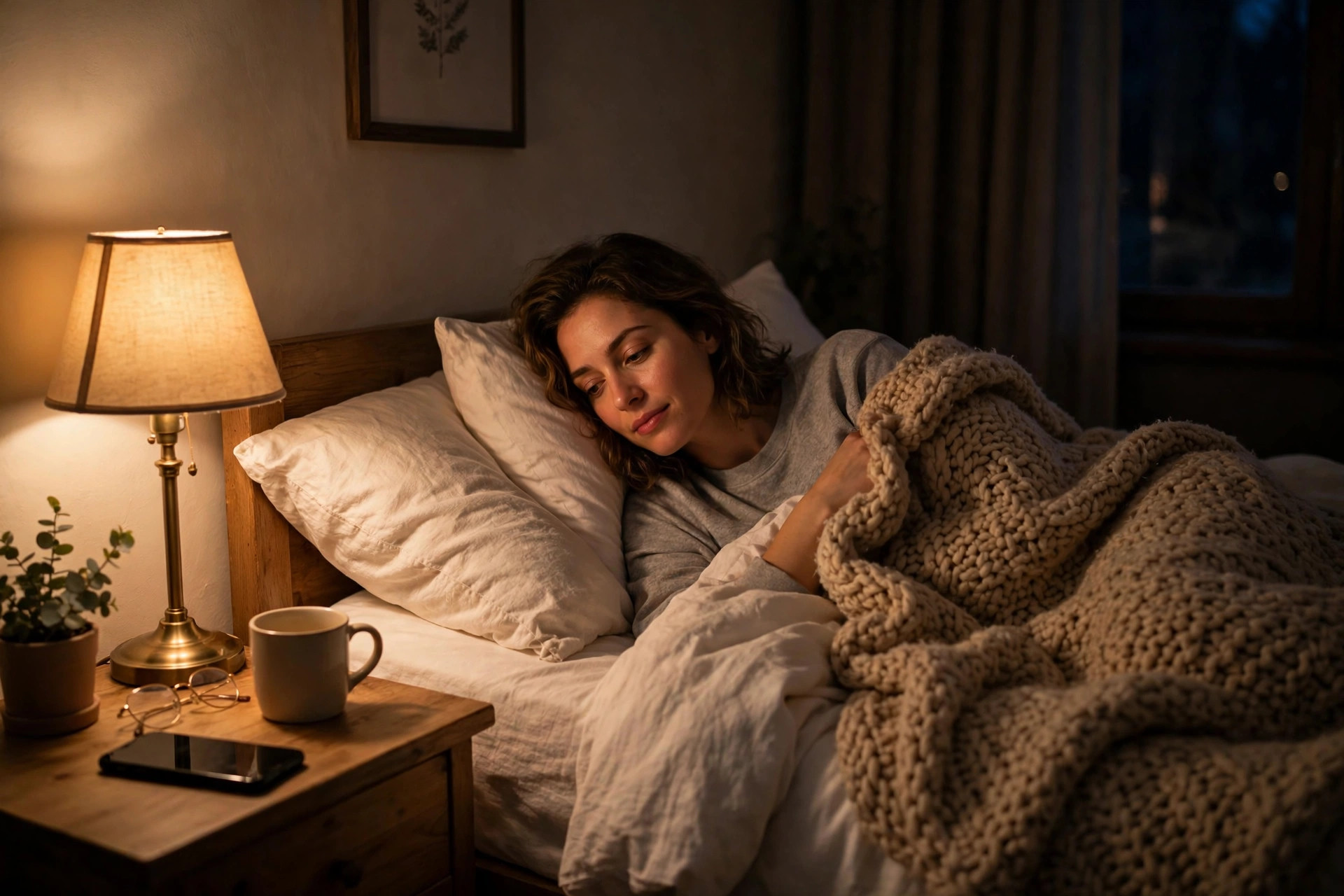
What happens to your body when you scroll at midnight
Sleep is largely governed by your circadian rhythm — your body’s internal clock, which runs on a roughly 24-hour cycle and tells your body when to feel alert and when to feel drowsy. One of the strongest signals that clock relies on is light. Bright light tells your body “it is daytime, stay awake,” while darkness helps trigger melatonin, a hormone that helps your body feel ready for sleep. Your phone, tablet, and laptop are bright enough to send a confusing signal to that system late in the day.
Using them late in the evening can make it harder to feel sleepy at your usual time, and some people take noticeably longer to drift off after a long screen session. That does not mean everyone who uses a phone at night will develop sleep problems — sensitivity varies — but if you regularly struggle to fall asleep, your glowing evening companion is a reasonable suspect worth experimenting with.
Light at night can push sleepiness later
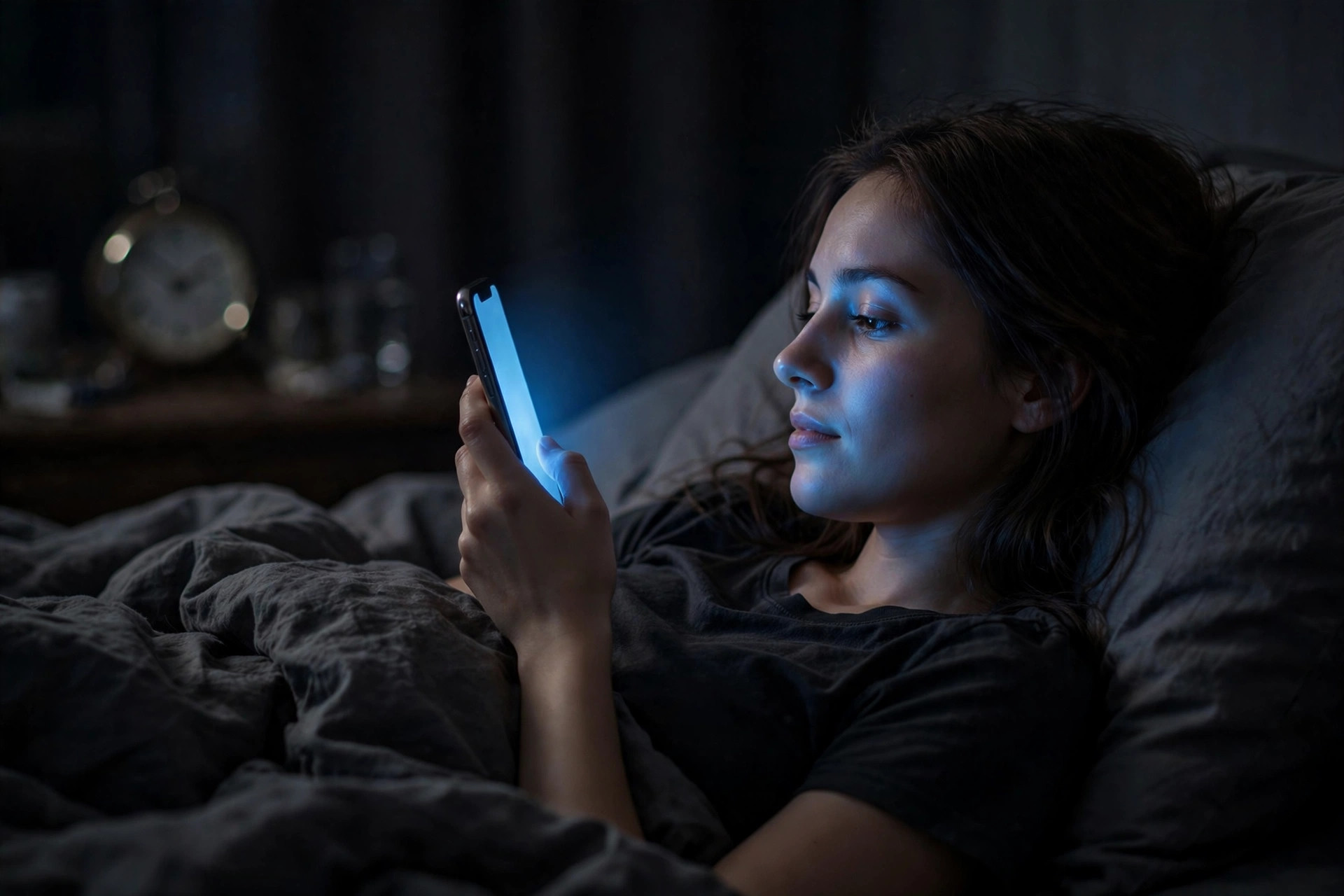
Melatonin is sometimes called the “sleep hormone,” and while that label is a simplification, the basic idea holds: your brain releases it as darkness falls, helping your body wind down toward sleep. Light in the evening — especially the bright, bluish-white light many screens emit — can suppress melatonin and shift your circadian rhythm slightly later. In practice, you may not feel drowsy when you want to, and you may feel groggier in the morning.
The effect is not dramatic for everyone, and it depends on screen brightness, distance from your eyes, and how long you look at it. But a phone held inches from your face in a dark room can deliver more light to your eyes than a softly lit living room. That is why simple changes like dimming the screen, switching on night mode or warm colors, and avoiding screens in the last hour before bed can help some people: they reduce the “it is daytime” signal your brain is receiving.
It’s not just light — it’s what’s on the screen
Even if you could magically remove all the light from your screen, the content itself can keep you awake. A tense news story, a heated group-chat argument, a dramatic episode that ends on a cliffhanger, or a stressful work email — these keep your brain in an alert, engaged state. The mind needs a winding-down period before sleep, and feeding it stimulating material right before bed is the opposite of that.
Then there is the design of the apps themselves. Short-video feeds, endless scrolls, and autoplay queues are built to keep you watching “one more.” This quietly delays your bedtime, a pattern researchers sometimes call bedtime procrastination. It is not laziness — these apps are engineered by teams whose job is to hold your attention. If you notice certain apps are the biggest time thieves, that is useful information — it tells you exactly where a small boundary could help most.
Small changes that make evenings calmer
The good news is that you do not need a complete digital overhaul. The most effective changes tend to be small, specific, and easy to repeat — the kind of thing you can actually do tonight rather than something that requires a new lifestyle. Think of this as an experiment: try one or two of these for a week or so and notice how you feel. If something helps, keep it. If it does not, drop it and try another. There is no single correct routine, because evenings look very different for different people.
A useful way to think about it is to reduce both the light and the stimulation. Cutting bright light is the easier fix — it takes seconds. Reducing stimulating content takes more intention, since it means choosing what to consume rather than letting an app choose for you. But do not feel you must fix everything at once.
Set a screen curfew — even a gentle one
A “screen curfew” sounds strict, but it does not have to mean no screens at all. It just means choosing a time in the evening when the interactive, scrolling, stimulating stuff stops. For many people, 30 to 60 minutes before their intended bedtime works well. The goal is to give your brain a landing strip rather than a crash landing: time to move from reacting to messages and videos to something calmer.
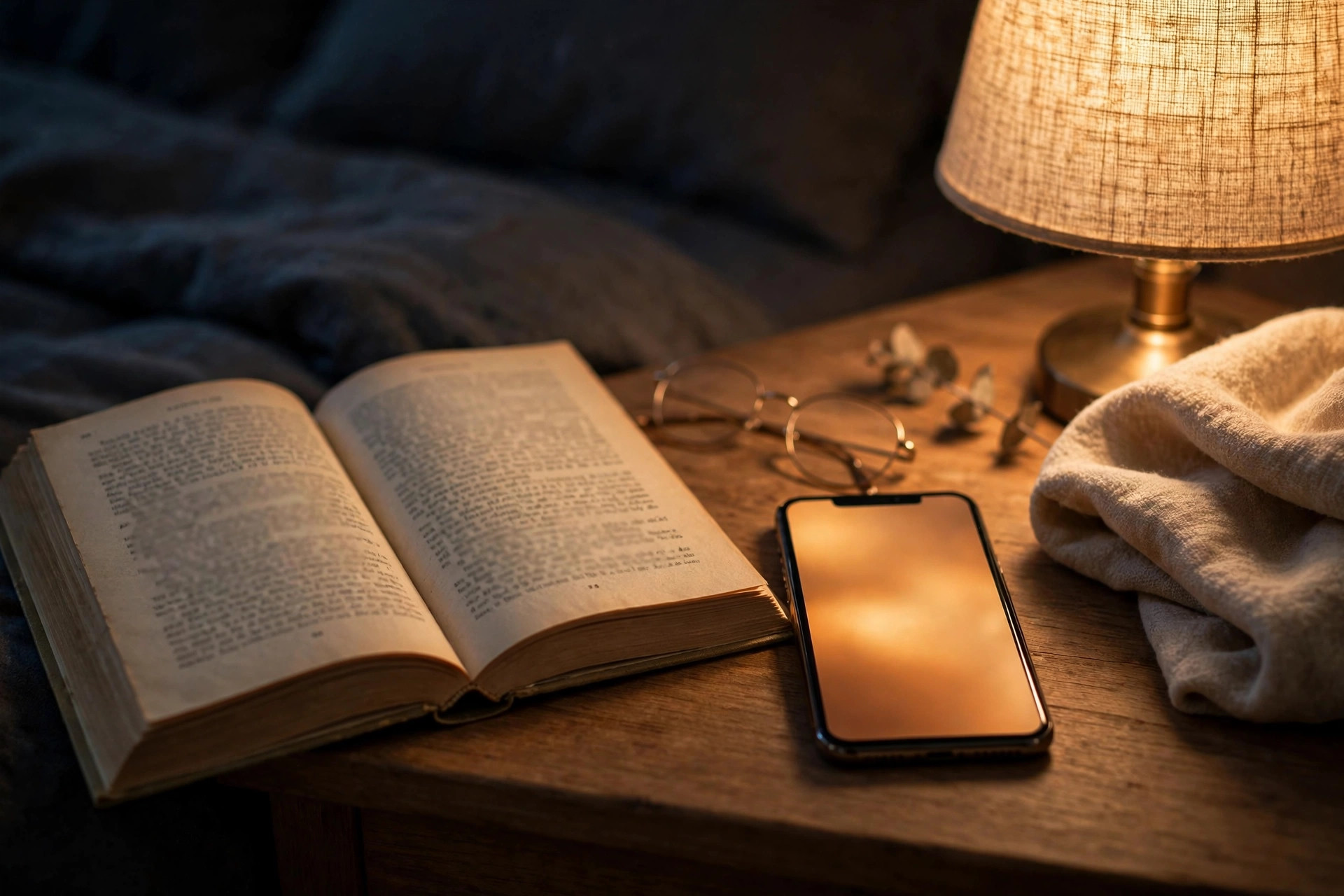
What you do instead matters. Reading a physical book, listening to music or a podcast, stretching, taking a warm shower, or simply lying quietly are all lower-stimulation options. It does not need to be a perfect ritual — even swapping scrolling for a calm show you have already seen (so there is no suspense) can be a step down in stimulation. If a full hour feels impossible, start with fifteen minutes. A shorter curfew you actually follow beats a longer one you abandon after two days.
One practical trick is to move the apps that steal your time off your home screen, or to set the phone’s own screen-time limits for your worst offenders in the evening. Every little bit of friction between you and the endless scroll is friction your tired brain will be grateful for at midnight.
Charge your phone away from the bed
This is one of the simplest changes with the biggest payoff: stop sleeping next to your phone. When your phone is on the nightstand, it is always within reach — and at 1 a.m., your half-asleep self is not great at making wise choices. Moving the charger across the room, into the hallway, or into another room entirely adds just enough distance that scrolling requires a deliberate decision instead of a reflex.
Many people resist this because their phone is their alarm. The fix is easy and cheap: buy a small alarm clock. Others worry about emergencies — and for that, most phones let calls from specific contacts ring through even on do-not-disturb mode, or you can keep the phone in the next room. You do not have to be unreachable; you just need the scroll-machine out of arm’s reach.
Beyond sleep, this change often has a pleasant side effect: mornings start without an immediate flood of notifications. Even if you keep a phone nearby for a week as a trial, the experiment itself will tell you whether your evenings change.
When screens are unavoidable: night shifts, study, and deadlines
Life does not always cooperate with ideal sleep habits. Students have exams. Freelancers have deadlines. Many people work evening or night shifts, and their “before bed” is someone else’s midday. Parents may finally get quiet time only after the kids are asleep — often in front of a screen. If any of that describes you, the advice above might feel unrealistic, and that is completely fair. The goal here is harm reduction, not purity.
First, it helps to separate what you can control from what you cannot. If your job requires you to be on a screen at 11 p.m., that is not a failure of willpower — it is your life. But you may still control how bright the screen is, what content you consume alongside it, and what happens in the minutes after you close the laptop. Small adjustments around the edges of unavoidable screen time can still add up.
Make unavoidable screen time less disruptive
When you must use a screen late, start with the mechanical basics. Dim the brightness to the lowest comfortable level and turn on night mode or a warm-color filter — most phones and computers now have these built in, and you can schedule them to switch on automatically at sunset. If you work at a desk, keeping the room gently lit also helps, because your eyes react less strongly to a bright screen in a dark room.
Next, manage the content. If you are studying or working, that is one thing — but try not to let a study session dissolve into an hour of videos or arguments online. The difference between focused screen use and recreational scrolling matters: focused work is tiring in a way that can actually help you fall asleep afterward, while stimulating entertainment tends to keep you wired. When the work is done, stop. Give yourself even ten or fifteen minutes of a buffer — a glass of water, washing your face, a few minutes of quiet — before you try to sleep.
If you work nights or rotating shifts and sleep during the day, protecting your sleep window becomes even more important, because daylight will fight against your rest. Dark curtains or an eye mask, earplugs or a white-noise app, and keeping a consistent sleep schedule even on days off can all help your body adapt.
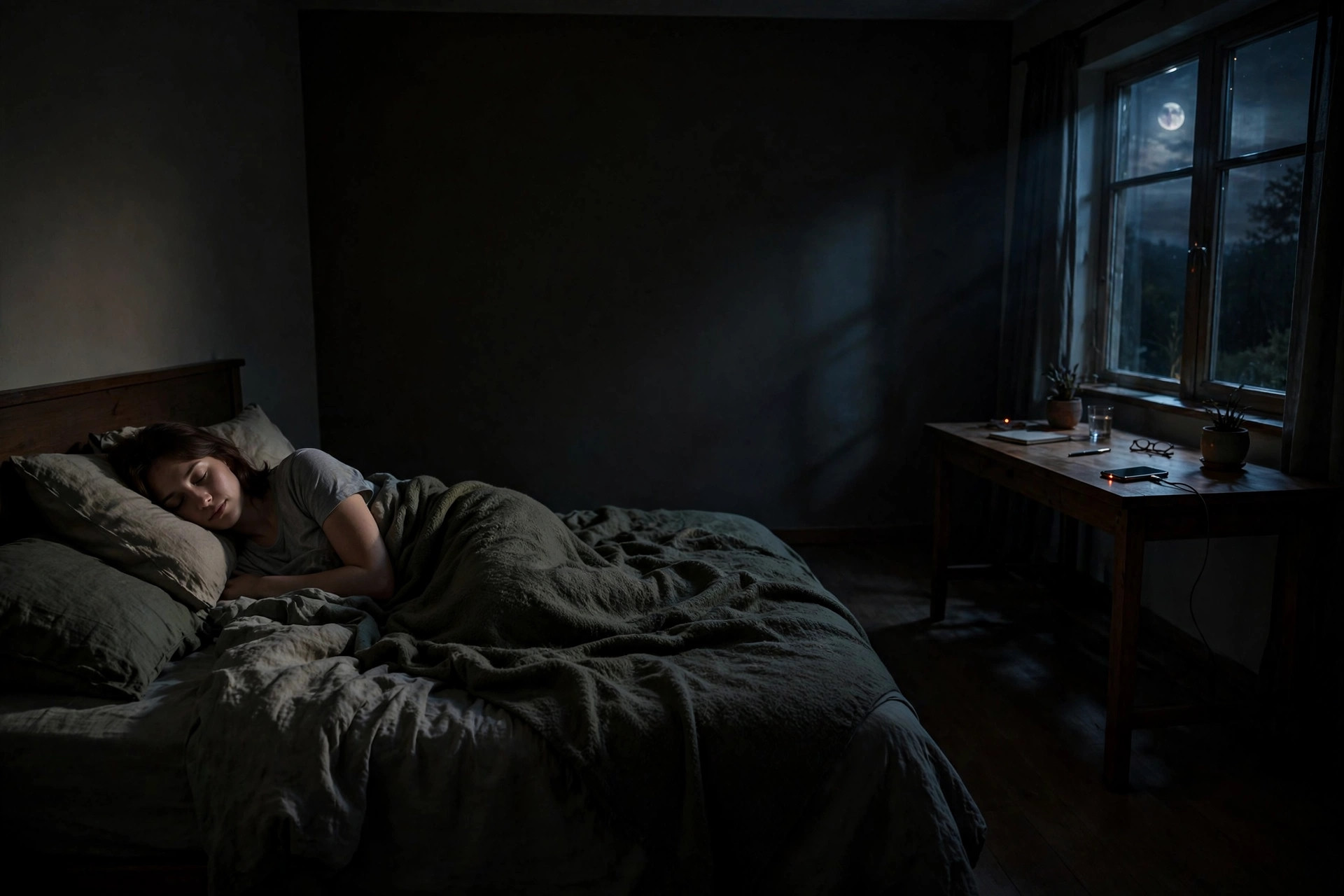
You do not need to fix your evenings all at once, and you do not need to be perfect at any of this. Pick one small change — dimming your screen at night, moving the charger across the room, or giving yourself fifteen screen-free minutes before sleep — and try it for a week. Notice how falling asleep feels, and how your mornings feel too.
Sleep problems can have many causes, and screens are only one of them. If poor sleep persists — you lie awake night after night despite your best efforts, or daytime tiredness is affecting your work, driving, or mood — it is worth talking to a doctor. That is not an overreaction; sleep is foundational to health, and professionals can check for things no blog article can address. In the meantime, being a little kinder to your evenings is a reasonable, low-cost place to start.
Sources and further reading
The sources listed here back up the general health information in this guide. The examples and daily routines are practical illustrations — not personal medical advice.
This article is for general education only. It was created with AI assistance and has not been clinically reviewed. For guidance about your own situation, please speak with a qualified health professional.