A day can contain a workout and still include many uninterrupted hours in a chair. Breaking up sitting is a separate practical habit: it creates more chances to move while work, study and home tasks are happening.
You do not need to turn every break into an exercise session. A brief walk, a comfortable change of position or a small standing task may be enough to interrupt a long stretch of stillness. The best option is one you can use repeatedly without disrupting everything else.
Find the longest sitting block first
Think about where time passes without a natural pause. It may be a morning at a computer, a long commute, gaming or evening television. Choose one of those periods before adding reminders to the whole day.
The useful question is when you last moved, not whether your posture has remained perfect. Even a comfortable chair does not remove the value of changing position. Start by making one long block less continuous.
Use the end of a task as a cue
You could stand or take a short walk after finishing an email batch, ending a meeting or completing a study section. Task cues often feel less intrusive than an alarm that interrupts the middle of every thought.
If time disappears easily, a gentle reminder can still help. Set an interval that suits your work and health needs. There is no single break timer that has to be followed by every person in every job.
Make a short break useful
Refill a water glass, walk to a nearby room or do a small household task. At work, consider walking to speak with a colleague when appropriate. The movement should be safe and should not require rushing.
If standing is difficult, changing position or using suitable seated movement may be an option. People with mobility limitations may benefit from guidance about comfortable, accessible activity rather than being given a routine built entirely around standing.
Separate movement from scrolling
A screen break can turn into another sitting task when you immediately pick up your phone. Before opening an app, decide whether the purpose of this pause is to move, rest your eyes or take care of another need.
You can still enjoy your phone later. The practical change is to give the movement break a clear beginning and end. A short walk around the room is easier to remember when it is not mixed with several other activities.
Make meetings and entertainment less still
For an audio call, standing or walking may be possible if you can stay safe and focused. During television, use a natural pause to change position. On a long journey, use safe stops or permitted opportunities to move.
Do not walk while driving, handling dangerous equipment or crossing roads while distracted. Movement is useful only when the setting allows it. If a task must be done seated, take an appropriate break before or after it.
Keep small movements comfortable
Gentle shoulder movement, a relaxed change in leg position or a brief walk may feel useful. Avoid forcing stretches or copying a difficult movement from a short video. Pain is a reason to modify the activity, not proof that it is working.
If you repeatedly develop numbness, pain or weakness while sitting, seek assessment. A new chair or a more frequent alarm may not address the underlying problem.
Use a standing desk as an option
A height-adjustable desk adds another posture to your day, but standing motionless for hours is not the objective. The real benefit is variety: rotate between sitting and standing, and break up both with brief movement.
If your feet, legs or back start to complain, treat it as a cue to adjust the setup or sit down for a while. Discomfort is useful feedback rather than failure, so respond to it instead of pushing through.
Practical routines that support the main advice
Movement breaks work best when the workstation and the daily schedule support them. The following adjustments help turn a reminder into a comfortable action, with room for short walking opportunities and a more usable desk.
Start with your feet and seat
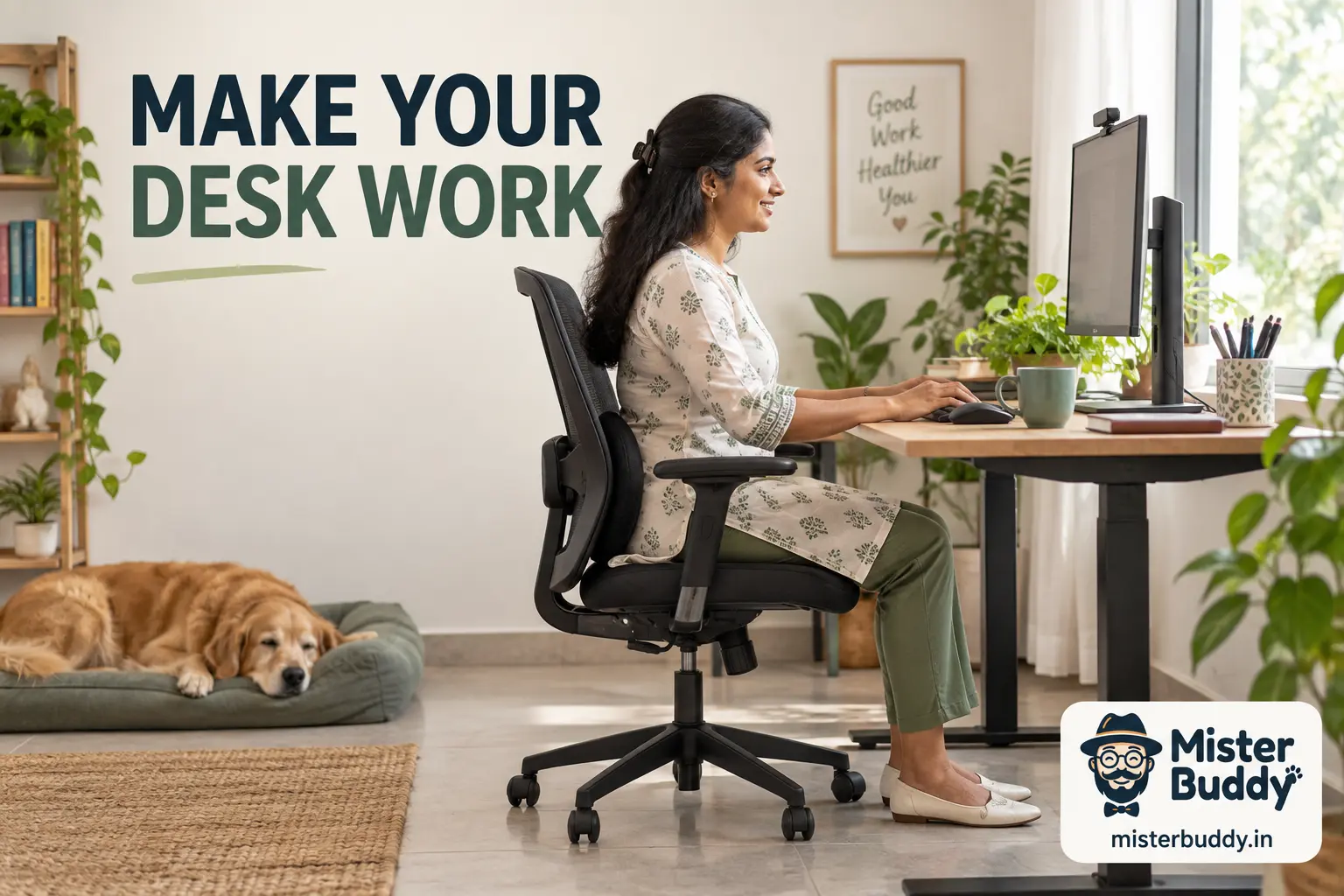
Sit so your feet can rest securely on the floor or a suitable footrest. Adjust the chair to support a comfortable position without pressing sharply behind the knees. Use the back support in a way that feels appropriate for your body.
If the desk and chair disagree on height, your legs usually notice first. Rather than perching on a raised seat with feet swinging free, sort the workstation height so your whole body can settle at once.
Keep frequently used items close
Place the keyboard, mouse and other regular tools within easy reach. Repeatedly reaching far forward or twisting for an object can become uncomfortable over a long day. Move the item before trying to train yourself to tolerate the awkward position.
Keep enough space for your legs. A storage box under the desk can quietly remove the room you need to change position.
Set your screen at a comfortable viewing distance
Keep the display at a height and distance that lets you read without hunching toward it. For many people, the top edge sits around eye level, but your glasses, eyesight and the kind of work you do can shift what feels right.
If the text looks small, try enlarging it on screen before you move your head closer. Cut down reflections and choose a brightness that suits the room instead of keeping whatever setting the display shipped with.
Give your hands an easy working position
Keep the keyboard and pointing device at a height and distance that allow relaxed shoulders and comfortable wrists. Avoid resting heavily on a sharp desk edge. A light, controlled touch may feel easier than gripping the mouse tightly.
If one task causes repeated discomfort, consider a different input method or a change in how the task is performed. Equipment choices should respond to the problem, not simply follow a list of fashionable accessories.
Make laptop work less cramped
A laptop links the screen and keyboard, which can make prolonged use awkward. For longer sessions, a separate keyboard and mouse may allow you to raise the display while keeping your hands comfortable.
Use a stable stand or suitable support. Do not balance equipment on an unstable pile that can slip. If extra equipment is not available, vary tasks and take movement breaks while working with the setup you have.
Test one change at a time
Move the screen, adjust the chair or bring the mouse closer, then notice the result over normal work. Changing everything at once can make it harder to tell which adjustment helped.
Keep a brief note of the task and discomfort if symptoms recur. Mention numbness, weakness or pain that spreads when seeking advice. Those details matter more than the brand name of your chair.
Do I need to sit perfectly straight?
You do not need to hold a rigid pose throughout the day. Seek comfortable support, suitable reach and regular position changes. A setup should help you work, not make you constantly tense while checking your posture.
Choose a route you can repeat
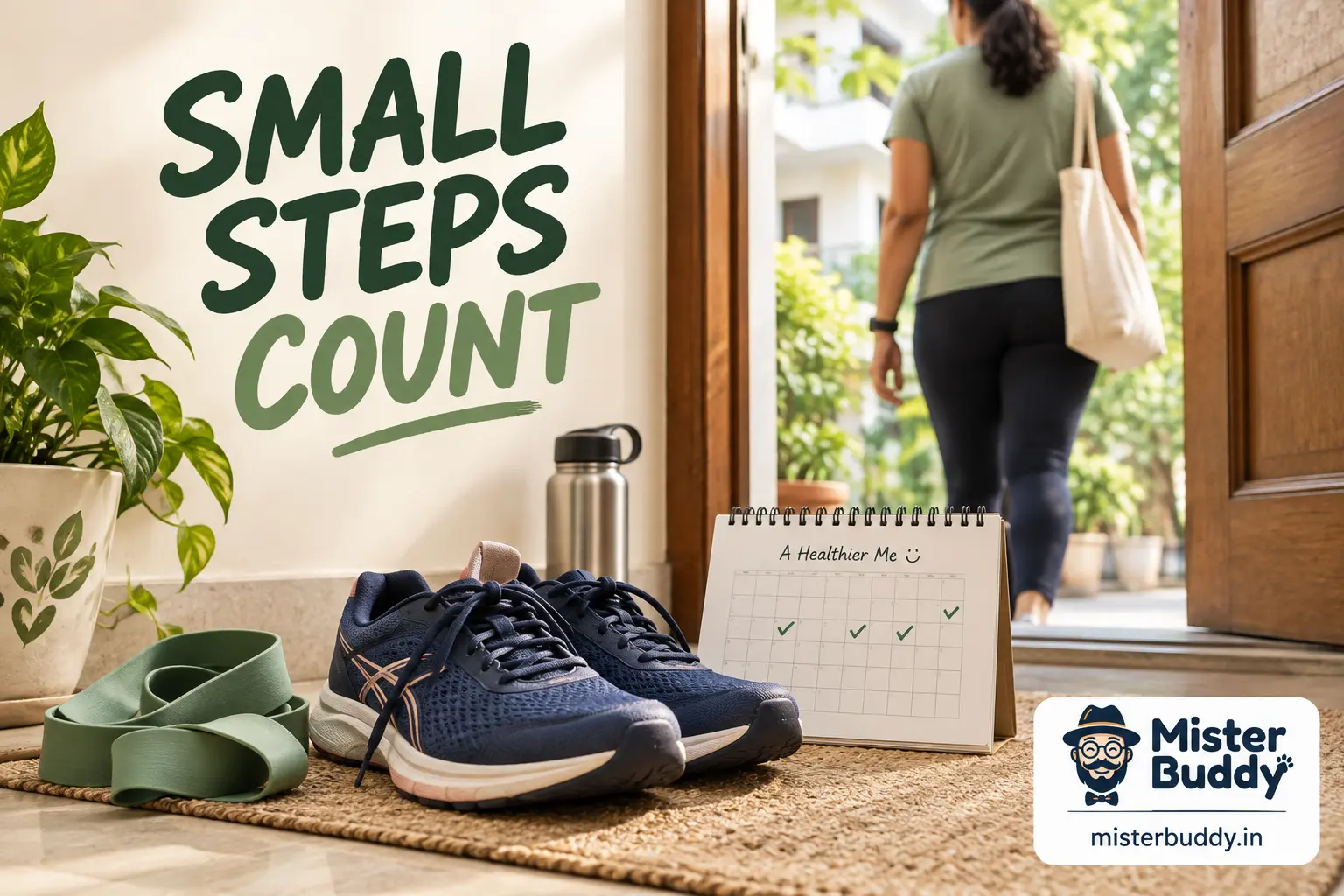
Look for a reasonably flat route with a safe surface and an easy way to turn back. A familiar street, a building corridor or a suitable indoor space can work. Consider traffic, lighting, weather and whether you will have access to a place to rest.
The route should fit the time you actually have. A ten-minute loop near home may be more useful than a beautiful park that requires a long journey. Remove the travel barrier before worrying about distance.
Make the first walk deliberately easy
Start with about five to ten minutes if that feels suitable, or less if needed. Walk slowly at first and keep the effort comfortable. Finish with the feeling that you could have done a little more, rather than using the first day as a fitness test.
Wear footwear that fits securely and does not rub. You do not need specialist equipment to begin, but painful shoes can quickly turn a simple plan into an unpleasant one.
Build a sample first week around your schedule
You might choose three short walks on separate days and an optional easy walk on the weekend. Keep the route and duration similar at first so you can notice how your body responds. If you feel unusually sore or unwell, adjust the plan rather than forcing the next session.
In a later week, add a few minutes to one or two walks if the current amount feels manageable. Avoid increasing speed, distance and hills at the same time. Change one part, see how it feels, and then decide what comes next.
Keep an indoor alternative ready
Rain, extreme heat or poor outdoor conditions do not have to make the whole plan disappear. A safe indoor corridor or a few comfortable walking breaks at home may be suitable. Clear trip hazards and choose a space where turning is easy.
The alternative can be shorter than the outdoor walk. Its job is to keep movement available on a difficult day, not to reproduce every detail of the original route.
Find the barrier before choosing the solution
Ask what actually stopped the last few sessions. Was the planned time unrealistic? Did the activity hurt? Was the journey too long, the weather unsuitable or the routine simply unpleasant? Different barriers need different changes.
A reminder will not solve an unsafe route, and discipline will not make an unsuitable exercise comfortable. Be specific. A clear problem is easier to address than a general belief that you lack willpower.
Attach movement to a useful cue
A cue is something that already happens, such as finishing work, returning from an errand or changing out of office clothes. Pair the activity with a cue that leaves a realistic opportunity to act.
The best cue is not necessarily the earliest time of day. A morning plan is unhelpful if you consistently need that time for sleep or caregiving. Choose a place in the day that your life can actually support.
Prepare the small practical details
Put suitable shoes where you can find them, decide on the route or clear the floor before the session. These actions reduce the number of decisions between intention and movement. A prepared space can make a short routine feel much easier to begin.
Keep an alternative for predictable disruptions. If rain often stops walking, identify a safe indoor option. If the gym journey is the barrier, consider whether an appropriate home session can cover some days.
Choose progress measures that matter
You might track consistency, comfortable walking time or ease with a daily task. Weight or appearance is not the only possible measure, and daily fluctuations may say little about the quality of a routine.
Use a record that helps you notice patterns. If tracking creates guilt or pushes you to ignore symptoms, simplify it or stop. The record should serve the activity, not control it.
Include enjoyment and company when helpful
Some people prefer quiet movement alone; others enjoy a friend, a class or music in a safe setting. Choose the conditions that make the activity more inviting without creating new obstacles.
A partner should support appropriate pacing. Avoid arrangements that pressure you into a level that does not suit your health or experience.
Look away from close work regularly
A commonly suggested comfort habit is to look into the distance for around twenty seconds after about twenty minutes of close work. The exact timer is less important than taking regular opportunities to change visual focus.
This is a comfort practice, not proof that eye disease has been prevented or treated. If a reminder becomes disruptive, use natural task breaks while keeping the purpose in mind.
Build a one-day experiment
Choose a single cue, such as the end of each work call, and pair it with a brief movement you can do safely. Try that for a day. At the end, ask whether you remembered and whether it helped break the sitting pattern.
If it was awkward, make the action smaller or choose a better cue. A habit that fits naturally can last longer than a detailed routine that requires constant attention.
Do movement breaks replace exercise?
They add useful activity to the day, but a broader routine may still include walking, strength and other suitable exercise. Think of sitting breaks as one part of daily movement rather than a complete fitness programme.
Sources and further reading
The sources listed here back up the general health information in this guide. The examples and daily routines are practical illustrations — not personal medical advice.
- CDC: Adult Physical Activity Guidelines
- Staying Active at Any Size – NIDDK
- NIH: The Computer Workstation
- Keep Your Eyes Healthy | National Eye Institute LinkedIn X Facebook YouTube
- How to warm up before exercising – NHS
- Caring for Your Mental Health – National Institute of Mental Health (NIMH)
This article is for general education only. It was created with AI assistance and has not been clinically reviewed. For guidance about your own situation, please speak with a qualified health professional.